
One workspace for everything you build, with an assistant that builds it.
Eight kinds of work in one workspace, every view reading the same data.
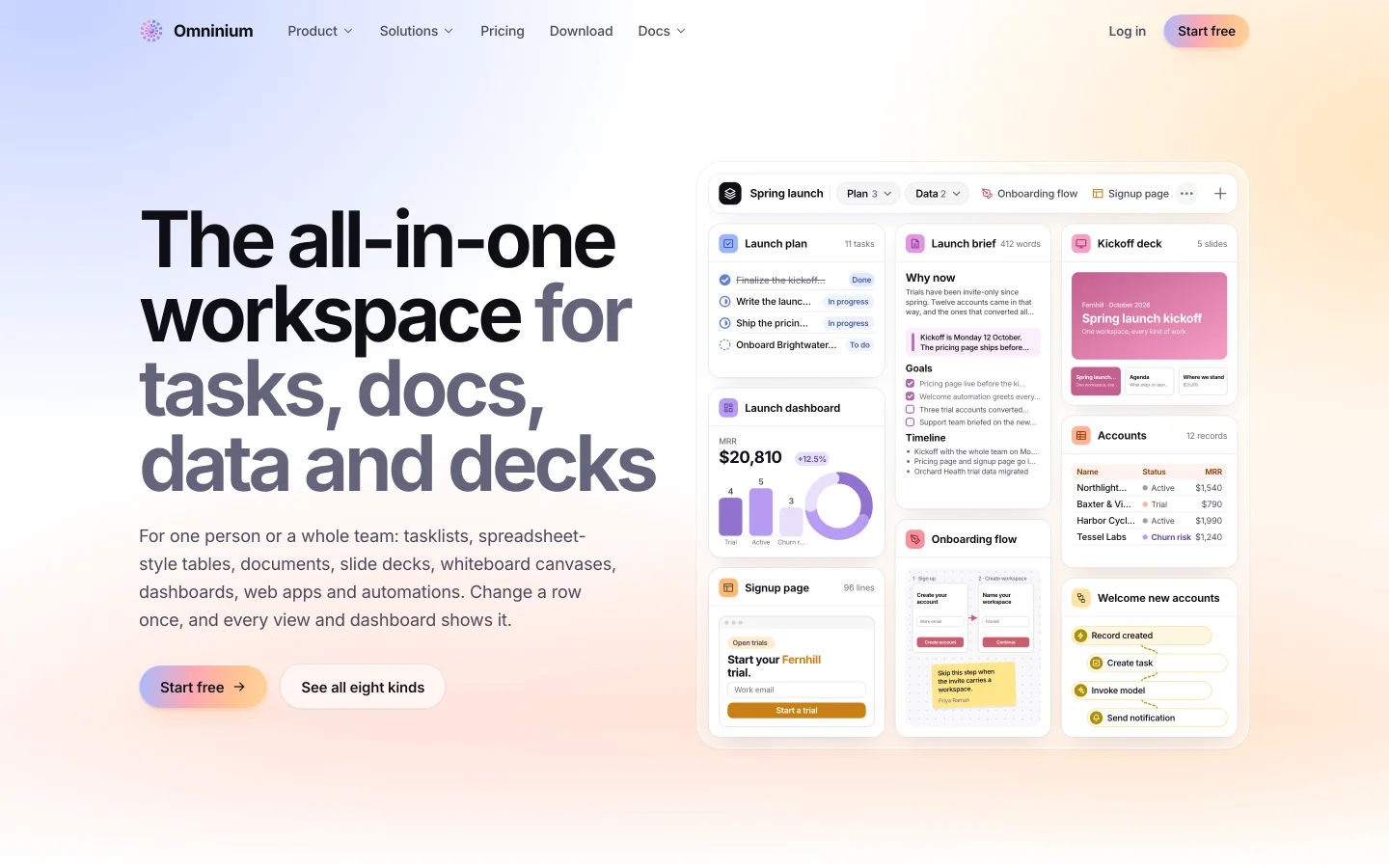

Work is scattered across tools. Omninium holds dashboards, tasks, documents, tables and automations in one place, and its assistant builds real things there.
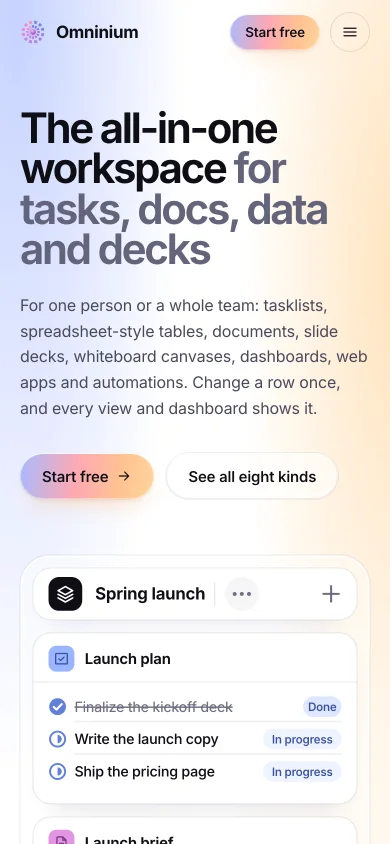
Omninium is the all-in-one workspace for tasklists, dashboards, documents, slides, canvases, tables, apps and automations. Eight kinds of work in one workspace, every view reading the same data, plus an AI assistant that builds the work when you ask in plain words.
- WorkspacesPersonal or shared, with roles and links
- StacksA project's work side by side, as tabs
- TasklistsList, board or calendar
- DashboardsNumbers counted from your work
- DocumentsBriefs that embed the work
- SlidesDecks presented with notes
- CanvasesFlows and wireframes, presented
- TablesTyped fields and nine views
- AppsSmall web pages run in place
- AutomationsFollow-up work that runs itself
- InboxEverything that needs you
- AssistantBuilds the work when you ask
What it does.
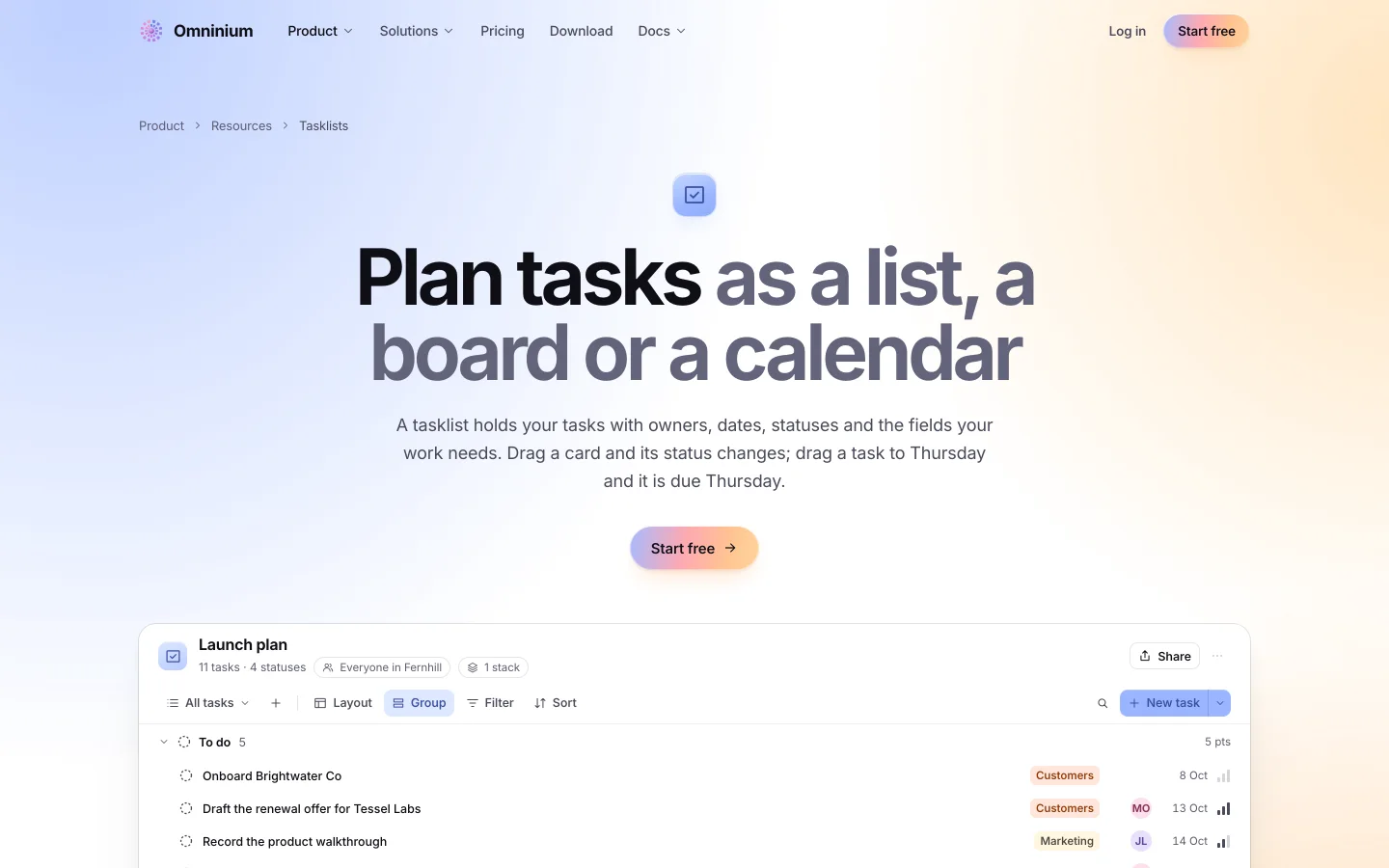
01 · Tasklists
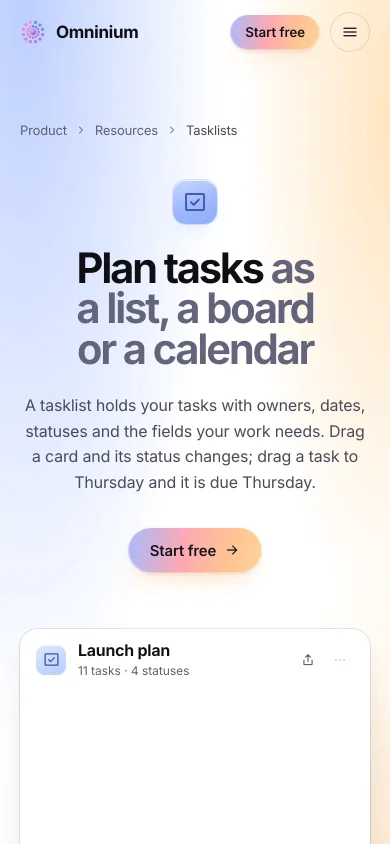
A list, a board or a calendar: your choice
Plan the work as a list, a board or a calendar. The same tasks, three ways to see them, and every change shows in all three.
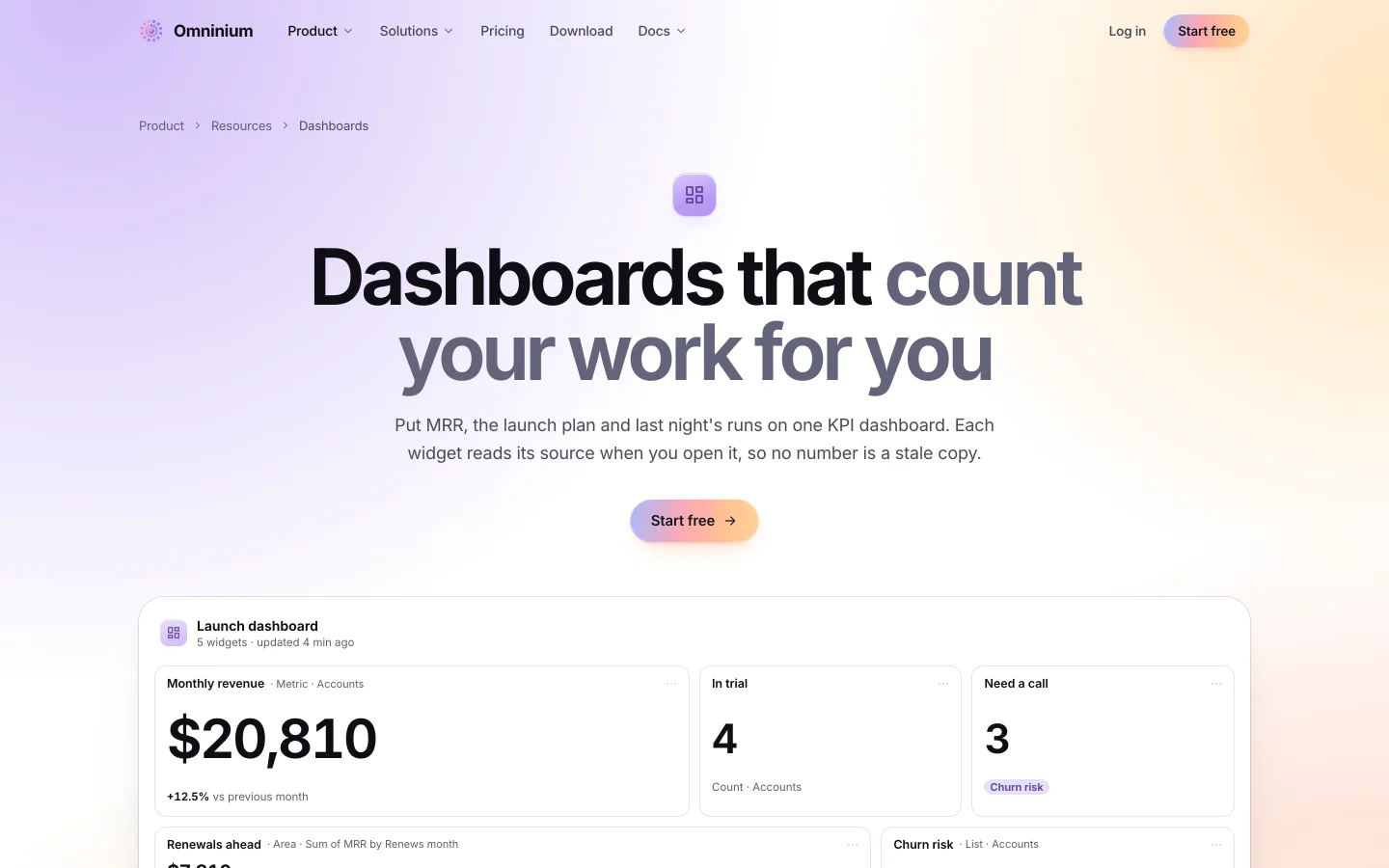
02 · Dashboards
Numbers counted from your own work
Charts and numbers counted from the work itself. No export, no spreadsheet: the dashboard reads the tables and tasklists it sits beside.
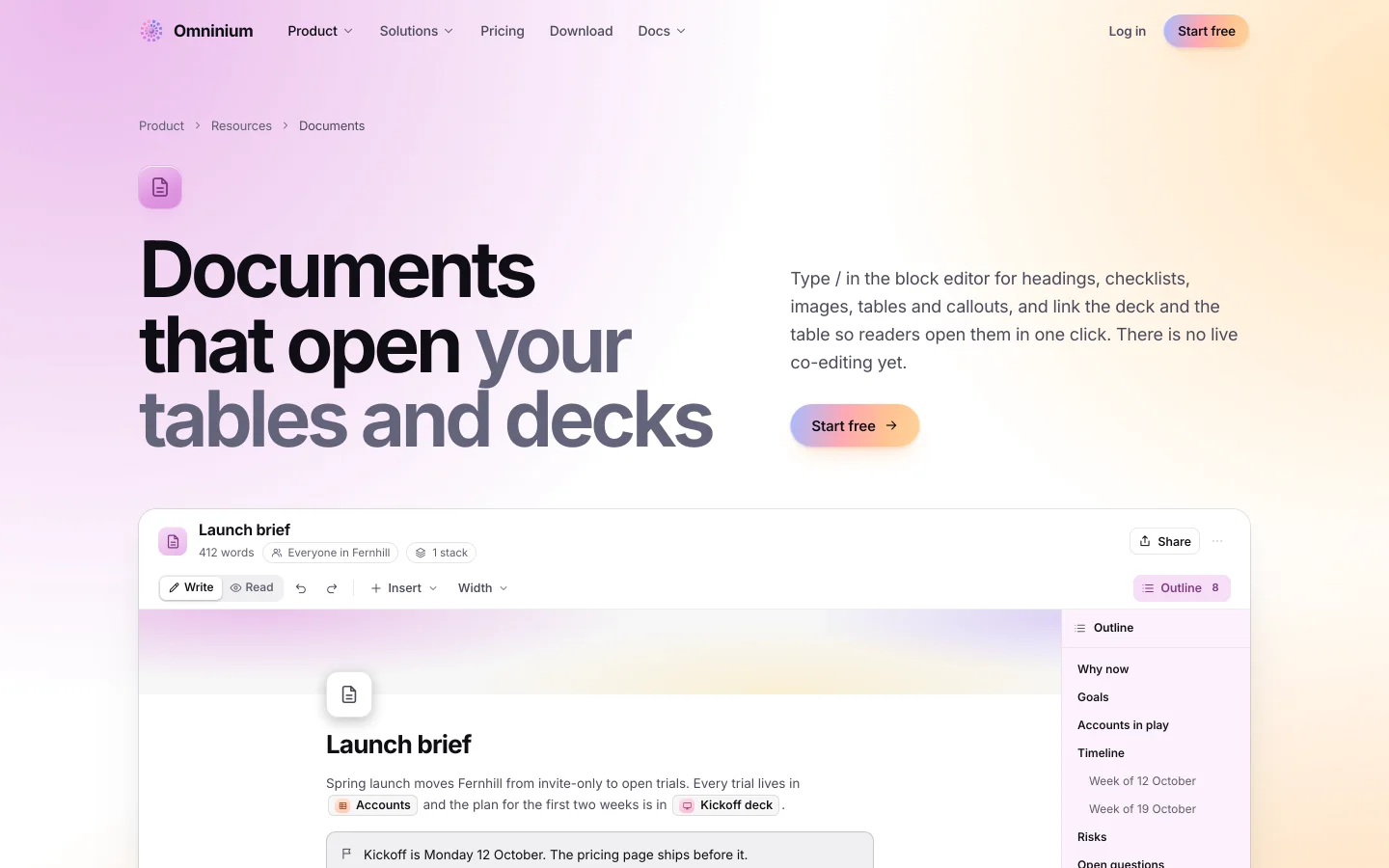
03 · Documents
Briefs that embed the work they describe
Write the brief and embed the table, the deck and the app it talks about. One document that shows the work, not a link to it.
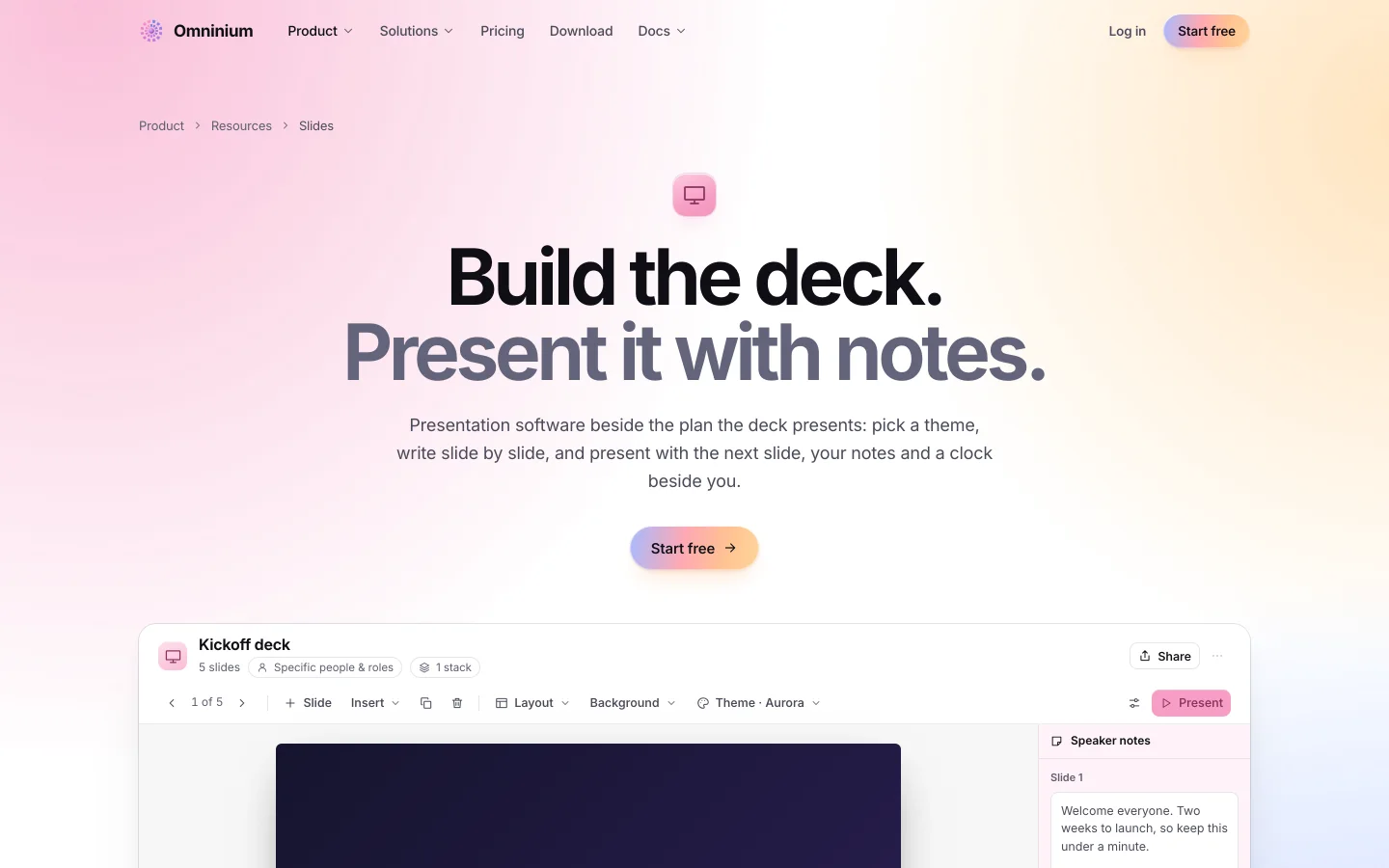
04 · Slides
Decks that read the same data
Build the deck in the workspace, present it with notes, and let it pull its numbers from the tables it belongs to.
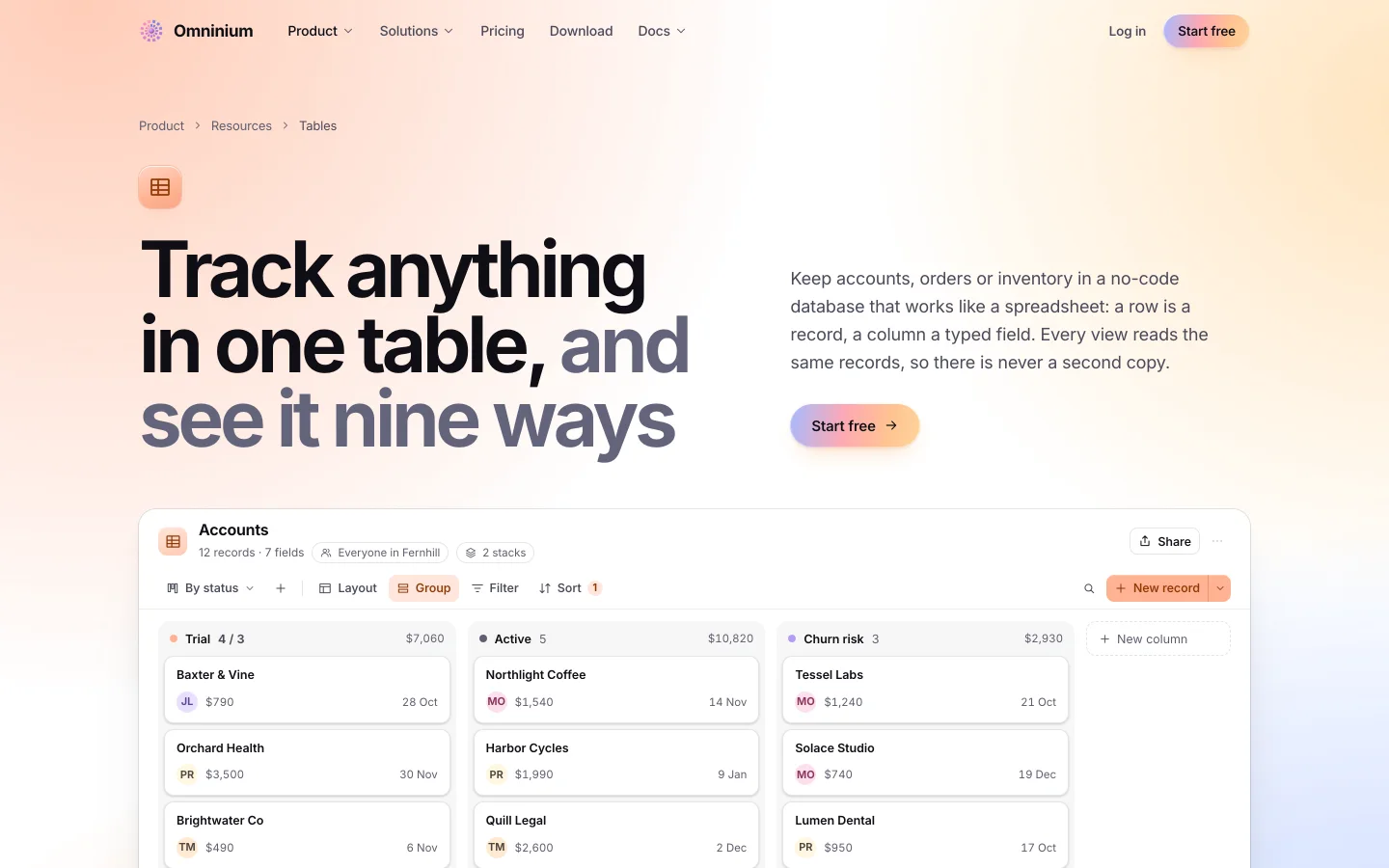
05 · Tables
Typed fields, nine views, one table
Track anything with typed fields and nine views: grid, board, gallery, calendar, timeline and more, on one table.
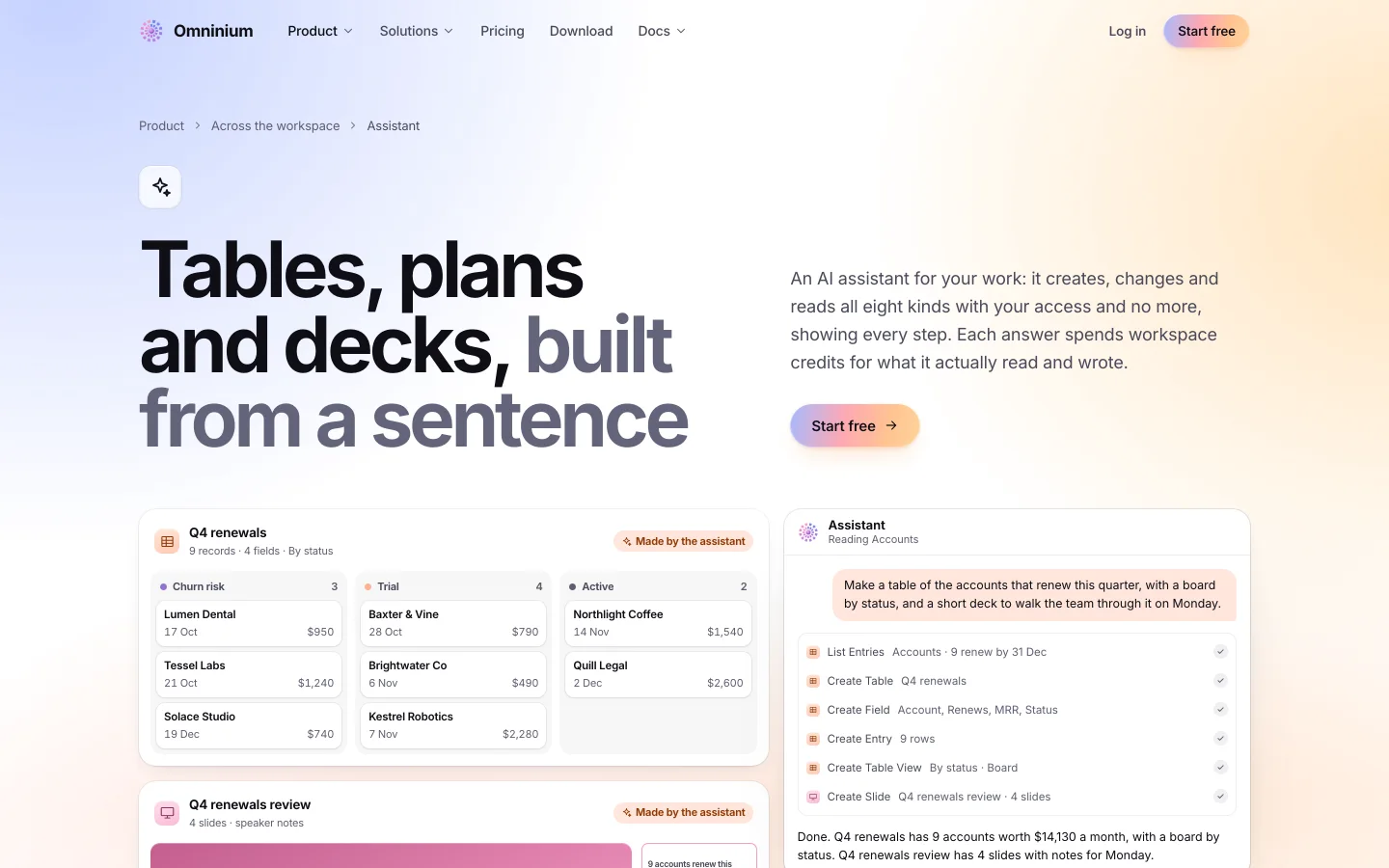
06 · Assistant
Ask in plain words, and it builds the work
Ask in plain words and it builds the tasklist, the table or the deck. It works inside your workspace, on your data.
Plans.
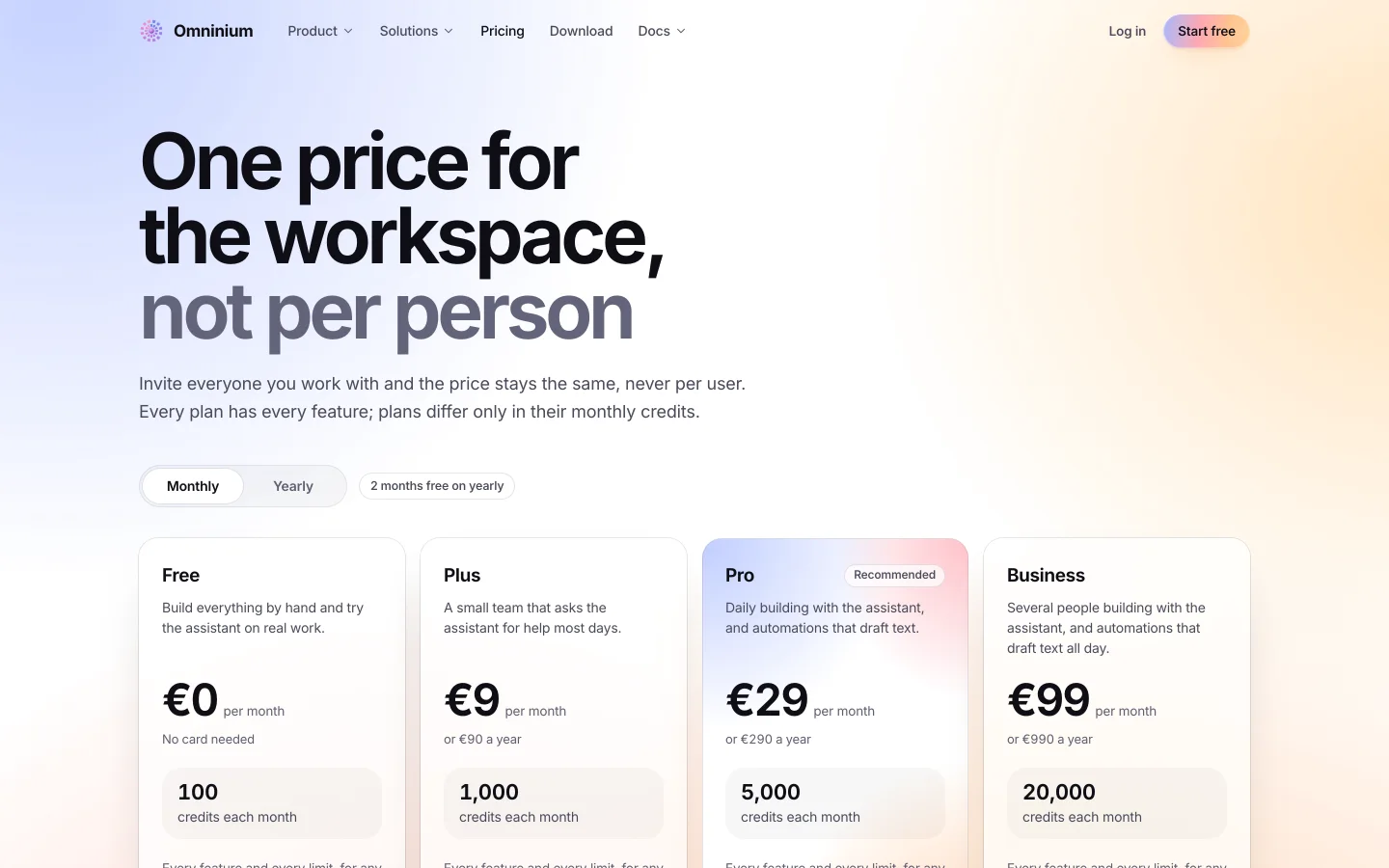
Real plans, real prices, as they stand on Omninium's own pricing page.
Plus
€9 a month
or €90 a year
- 1,000 credits a month
- Per workspace, not per person
- Every feature
Pro
Most chosen€29 a month
or €290 a year
- 5,000 credits a month
- Per workspace, not per person
- Automations that draft text
Business
€99 a month
or €990 a year
- 20,000 credits a month
- Per workspace, not per person
- Several people building all day
One price for the workspace, never per user. Every plan has every feature; plans differ only in their monthly credits.
Where it lives.
Omninium is its own product with its own site and its own app. On the web today. Coming to macOS, iPhone and Android.
More from Innovablast
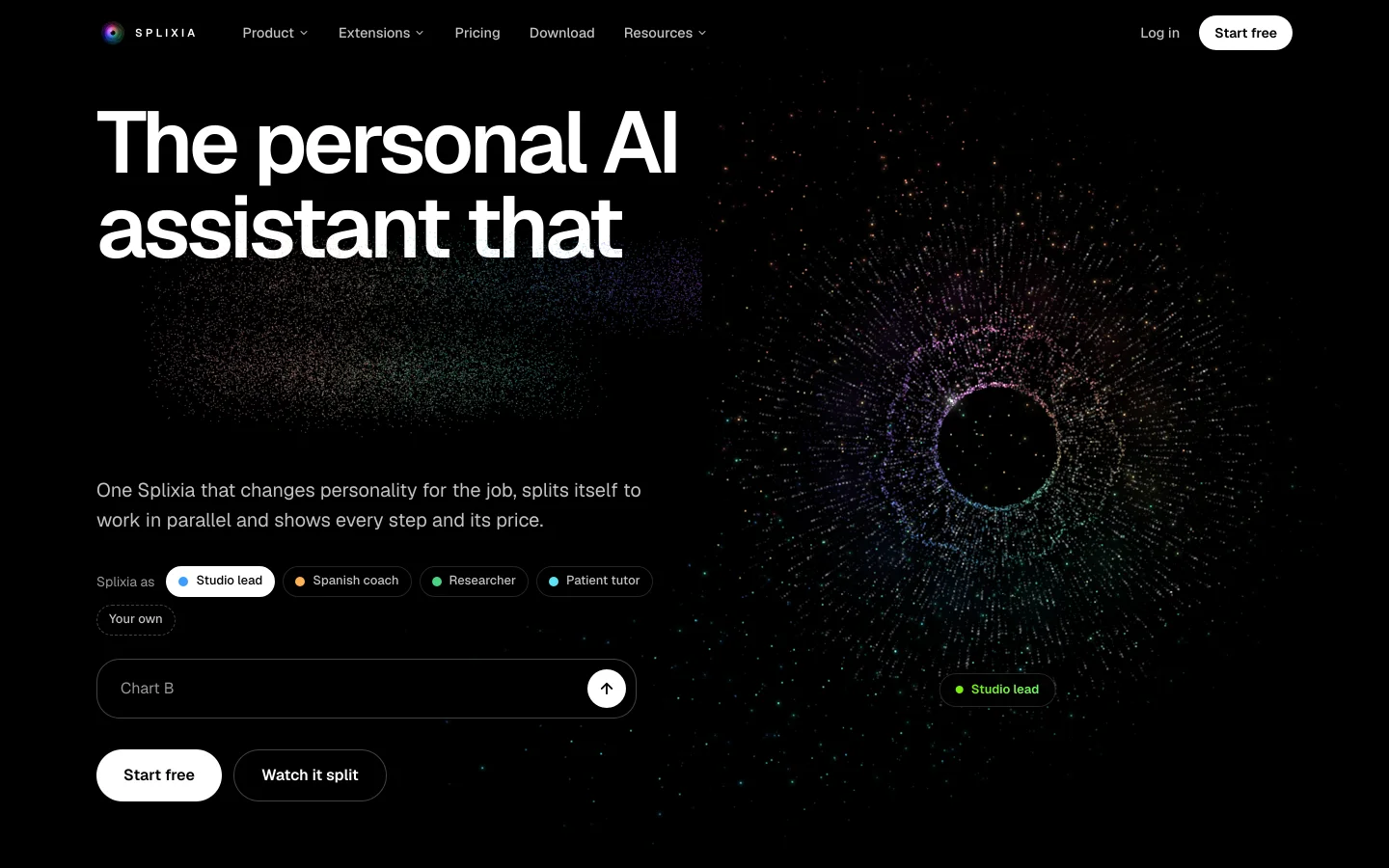
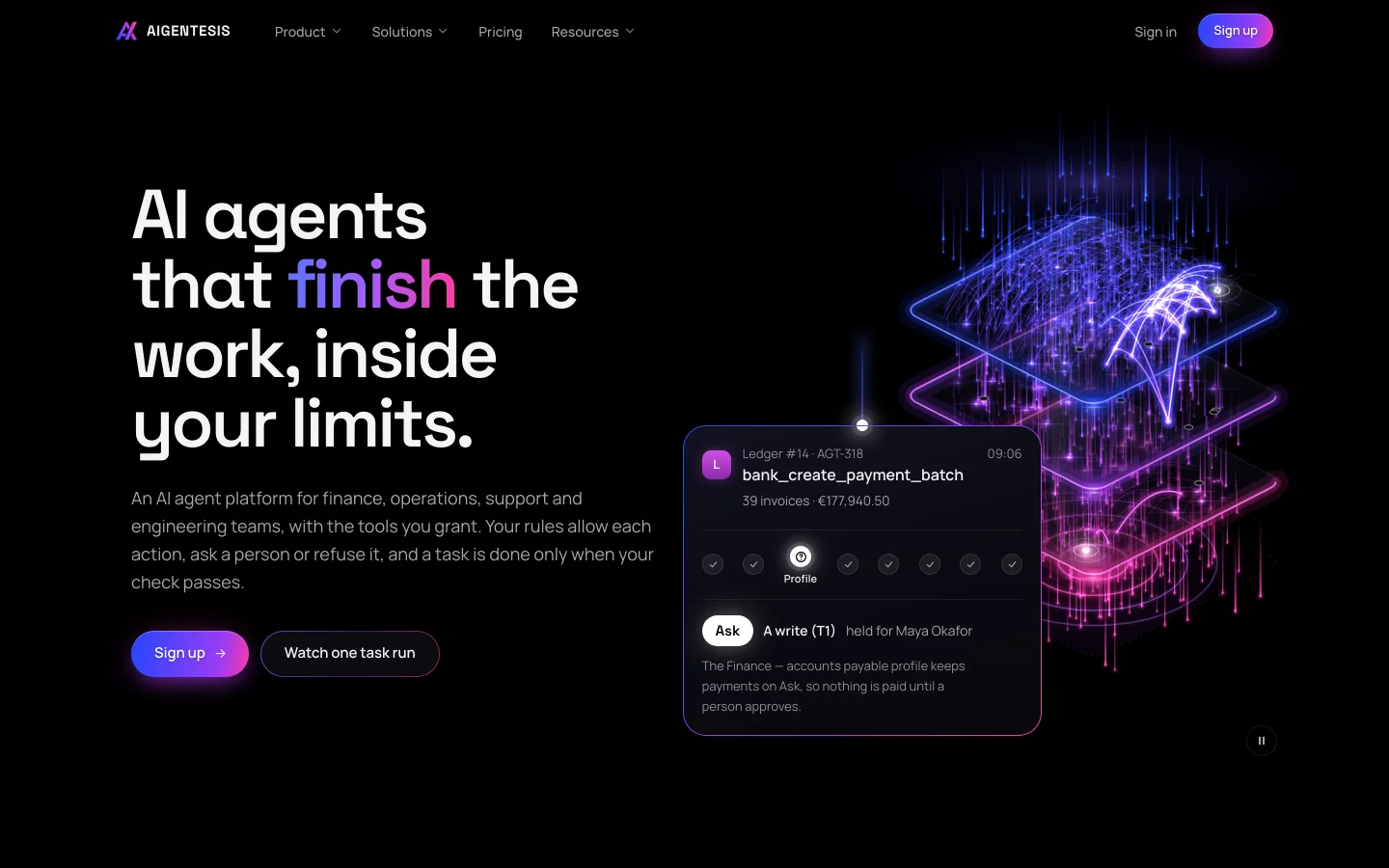
Two other worlds, built on the same engine.
Try Omninium today.
Start on the free plan, or open the site and read everything first.